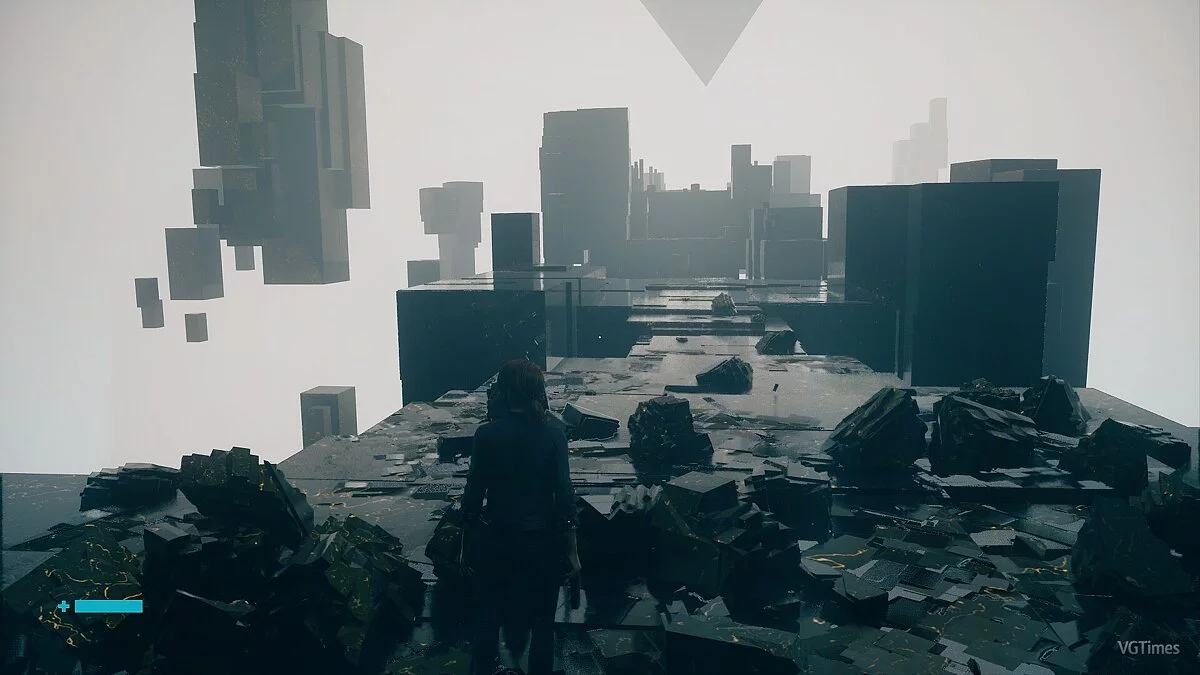
![Control — Tabela para Cheat Engine [0.0.321.4098] / Tabelas / Trapaças](https://files.vgtimes.com/si/gameprev_57210_768_1787991620.webp "Control — Tabela para Cheat Engine [0.0.321.4098] / Tabelas / Trapaças")
Control — um fantástico jogo de ação em terceira pessoa dos criadores de Max Payne, Quantum Break e Alan Wake. Você irá embarcar em um universo muito misterioso e... Saiba mais
Tabela para Cheat Engine [0.0.321.4098]
![Control — Tabela para Cheat Engine [0.0.321.4098]](https://files.vgtimes.com/download/posts/2020-04/thumbs/1585744037_nplpefeasgtngbyrj4koja.webp)

-
1585743959_1585743959_control_dx11.zipBaixar (30.16 kB)
não-morto // Imortalidade
- a saúde ainda diminui quando você é atingido, mas você não morrerá.
- a saúde mínima pode ser definida através da entrada. padrão: 0.5, pode ser alterada editando o script, linha 6
multiplicador de dano // Multiplicador de Dano
- o dano causado a não-jogadores será multiplicado pelo multiplicador especificado.
- o multiplicador pode ser definido através da entrada x?. padrão: x2, pode ser alterado editando o script, linha 3.
máxima munição // Máx. Munições
- sem recarga~
tecla de recarga // Tecla de Recarga
- quando facilitado, pressione a tecla R para recarregar o carregador instantaneamente.
- segurar a tecla R enquanto mira permite ver a animação de recarga também.
- eu mudei o "Alternar Lado" do jogo de R para outra tecla, obviamente. você deve fazer o mesmo se quiser que este script funcione corretamente.
recarga rápida // Recarga Rápida
- quando ativado, quando o carregador de munição estiver vazio, o tempo que você precisa esperar até a arma começar a recarregar será reduzido.
- quando a arma começar a recarregar a partir do carregador vazio, será recarregada para o máximo instantaneamente.
carga instantânea // Carga Instantânea
- quando ativado, a forma de Perfuração pode ser disparada instantaneamente sem carga, e a forma de Carga disparará 3 projéteis instantaneamente sem carga.
máxima energia // Máx. Energia
- como diz o título.
ignorar pontos de habilidade // Melhorias Gratuitas
- você pode aprender qualquer habilidade independentemente dos seus pontos de habilidade atuais.
- os pontos de habilidade necessários para uma habilidade aparecerão como zero, mas seus pontos de habilidade ainda diminuem até chegar a zero quando você aprende uma habilidade.
ignorar $ / materiais // Craft e Compras Grátis
- ative antes de entrar nas Construções Astrais.
- você pode criar qualquer coisa nas Construções Astrais independentemente do seu $ e materiais atuais.
- $ ainda diminuem até chegar a zero.
- os materiais ainda diminuem quando você cria.
- os pontos de habilidade podem ser mostrados como um grande número na base, os pontos de habilidade reais não foram alterados de forma alguma. se isso acontecer, basta desativar tanto este quanto o script de ignorar pontos de habilidade e o valor mostrado deve voltar ao normal na próxima vez que você acessar uma base.
- deve desativar o script após terminar de criar. ative novamente na próxima vez que precisar criar.
mod de levitação // Modo de Voo
- permite que você fique no ar o quanto quiser ao entrar em levitação.
- após sair da levitação e começar a cair, se você pressionar e segurar a tecla / botão do controlador especificado e pressionar a tecla/botão de pular, em vez de começar a flutuar lentamente para baixo, você irá levitar novamente.
- você não entrará no estado de flutuação automaticamente após sua segunda levitação. em vez disso, você deve pressionar a tecla/botão de pular novamente para parar de levitar para cima e começar a cair novamente depois disso. neste estado de queda, você pode escolher flutuar para baixo ou levitar para cima (segurando a tecla / botão do controlador especificado) novamente.
- a tecla pode ser alterada através da lista suspensa da entrada. padrão: tecla SHIFT.
- o botão do controlador pode ser alterado através da lista suspensa da entrada. padrão: Gatilho Esquerdo.
tecla de multiplicador de distância de evasão/dash // Multiplicador de Distância de Evasão
- quando ativado, pressione e segure a tecla SHIFT para evadir/dash com uma distância multiplicada por 20.
- a tecla pode ser alterada através da lista suspensa da entrada.
- o multiplicador pode ser alterado através da entrada x?.
tecla de caminhada // Tecla de Caminhada
- quando ativado, segure a tecla Alt e mova-se para caminhar. pode ser útil para jogadores de k+m.
- você pode mudar o status para "tecla de alternância" se quiser .... usar a tecla de alternância em vez de segurar a tecla.
- a tecla pode ser alterada através da lista suspensa da entrada.
devagar // desacelerar o Tempo
- apenas um script lua simples que permite que você segure 2 teclas juntas, ou segure qualquer uma das 2 teclas, para mudar a velocidade do jogo usando o speedhack do CE, que pode ser feito configurando teclas de atalho nas Configurações do CE de qualquer forma. o script apenas faz com que você não precise redefinir as teclas de atalho do CE para diferentes jogos.
- por padrão do script, quando ativado, pressione a tecla CapsLock, ou o Botão do Mouse Direito, para entrar em câmera lenta, solte a tecla para retomar a velocidade.
- mude e/ou? para "e" se você quiser segurar 2 teclas juntas para entrar em câmera lenta.
desbloquear todos os trajes // Desbloquear Todos os Trajes
- acesse o Ponto de Controle na base (Executivo Central) após ativar o script.
- se você quiser desbloquear os trajes individualmente, pode fazê-lo através dos [pontes] em vez disso. os ponteiros serão preenchidos quando você acessar o Ponto de Controle na base.
Processo de inicialização:
1. Inicie o Cheat Engine, "Carregar" e selecione a tabela
2. "Selecione um processo para abrir", escolha o processo desejado.
3. Selecione a opção desejada e marque.
undead // Бессмертие
- health still drop when being hit but you won't die.
- min health can be set via the entry. default: 0.5, can be changed by editing the script, line 6
damage multiplier // Множитель Урона
- damage deal to non-player will be multiplied by the specified multiplier.
- multiplier can be set via the entry x?. default: x2, can be changed by editing the script, line 3.
max ammo // Макс. Патроны
- no reload~
recharge key // Клавиша Перезарядки
- when facilitated, press R key to recharge clip to max instantly.
- hold R key when you're aiming allows you to see the reload animation as well.
- I've changed the game's "Toggle Side" from R to another key obviously. you should do the same if you want this script to work properly.
fast recharge // Быстрый Заряд
- when activated, when the ammo clip is emptied, the time you need to wait until the gun start to recharge will be shorten.
- when the gun start to recharge from empty clip, it will be recharged to max instantly.
instant charge // Мгн. Заряд
- when activated, Pierce form can be fired instantly without charging, and Charge form will fire 3 projectiles instantly without charging.
max energy // Макс. Энергия
- as title says.
ignore ability points // Бесплатные Улучшения
- you can learn any abilities regardless of your current ability points.
- required ability points of an ability would appear to be zero, but you ability points still decrease until it reaches zero when you learn an ability.
ignore $ / materials // Бесплатный Крафт и Покупки
- activate before you enter the Astral Constructs.
- you can craft anything in the Astral Constructs regardless of your current $ and materials.
- $ still decrease until it reaches zero.
- materials still decrease when you craft.
- ability points may be shown as a big number in the base, the actual ability points wasn't altered in anyway. if that happens, just de-activate both this and ignore ability points script and the value shown should back to normal the next time you access a base.
- should de-activate the script after you done crafting. activate again next time you need to craft.
levitate mod // Режим Полёта
- allows you to stay in air as long as you want when you enter levitation.
- after you exit the levitation and start falling, if you press and hold the specified key / controller button and press the jump key/button, instead of start floating down slowly, you'd levitate up again.
- you won't enter the hover state automatically after your second levitate up. instead you have to press the jump key/button again to stop levitating up, and start falling again after that. in this falling state, you can choose to float down, or levitate up (by holding the specified key / controller button)again.
- key can be changed via the entry's drop-down-list. default: SHIFT key.
- controller button can be changed via the entry's drop-down-list. default: Left Trigger.
evade/dash distance multiplier key // Увел. Дистанции Уклонения
- when activated, press and hold the SHIFT key to evade/dash with a distance multiplied by 20.
- key can be changed via the entry's drop-down-list.
- the multiplier can be changed via the entry x?.
walk key // Клавиша Ходьбы
- when activated, hold Alt key and move to walk. could be useful for k+m player.
- you can change the status to "toggle key" if you want to .... use toggle key instead of hold key.
- key can be changed via the entry's drop-down-list.
slow motion // замедлить Время
- just a simple lua script that allows you to hold 2 keys together, or hold either of the 2 keys, to change the game speed by using CE's speedhack, which can be done by setting up hot-keys in CE's Settings anyway. the script just make it so that you don't need to reset the CE's hotkeys for different games.
- by script default, when activated, press CapsLock key, or Right Mouse Button, to enter slow motion, release the key to resume speed.
- change and/or? to "and" if you want to hold 2 keys together to enter slow motion.
unlock all outfits // Разблокировать Все Костюмы
- access the Control Point at the base (Central Executive) after you activated the script.
- if you want to unlock the outfits individually, you can do so via the [outfits] pointers instead. pointers will be populated when you access the Control Point at the base.
Процесс запуска:
1. Запустить Cheat Engine, "Load" и выбрать таблицу
2. "Select a process to open", выбрать нужный процесс.
3. Выбрать нужную опцию, поставить крест.
Arquivos relacionados:
Links úteis:
![Control — Tabela para Cheat Engine [0.0.344.1879/DX12]](https://files.vgtimes.com/download/posts/2022-01/thumbs/1641546065_bdc4bdd4-924b-44b3-ba90-7b9dc6b290bf.webp)
![Control — Трейнер (+7) [1.04.01: DX11 / DX12]](https://files.vgtimes.com/download/posts/2019-11/thumbs/1575030242_3lirauje8b98b5klrsovqw.webp)
![Control — Trainer (+8) de 27.04.2021 [WeMod]](https://files.vgtimes.com/download/posts/2021-04/thumbs/1619608349_2021-04-28_141121.webp)
![Control — Трейнер (+7) от 18.01.2020 [WeMod]](https://files.vgtimes.com/download/posts/2020-01/thumbs/1579333492_2020-01-18_104115.webp)
![Control — Tabela para Cheat Engine [1.13 Corrigido]](https://files.vgtimes.com/download/posts/2022-10/thumbs/1666945634_kpqs7ra1bam3ub69duzesa.webp)
![Control — Трейнер (+8) [1.07]](https://files.vgtimes.com/download/posts/2020-03/thumbs/1584706827_wrcm5cpglcctw4if5-vshq.webp)
![Control — Salvar [Licença Epic]](https://files.vgtimes.com/download/posts/2022-12/thumbs/1669915350_control-pc-2020-05-13_05-11-10-original-size.webp)