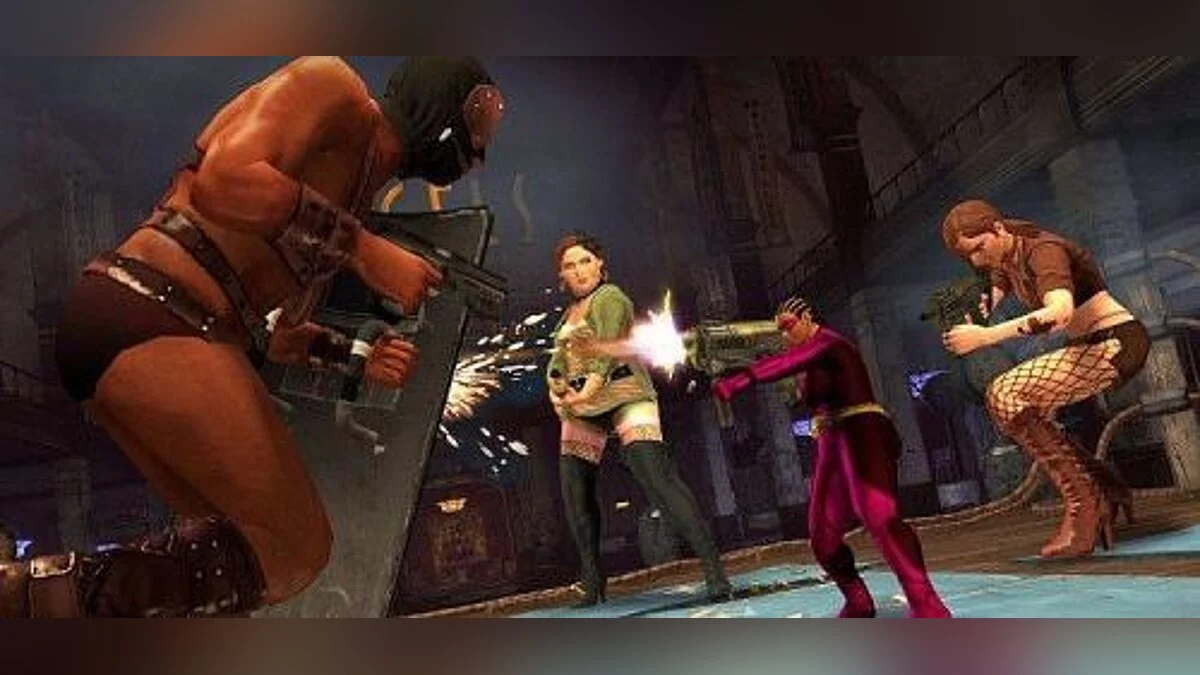
![Saints Row: The Third — Tabela para Cheat Engine [ATUALIZAÇÃO: 16.04.2020] / Tabelas / Trapaças](https://files.vgtimes.com/si/gameprev_1524_768_1717212117.webp "Saints Row: The Third — Tabela para Cheat Engine [ATUALIZAÇÃO: 16.04.2020] / Tabelas / Trapaças")
Saints Row: The Third is a continuation of the fun action game with a third-person view in the open world. In this world there is possible professional wrestling... Saiba mais
Tabela para Cheat Engine [ATUALIZAÇÃO: 16.04.2020]
![Saints Row: The Third — Tabela para Cheat Engine [ATUALIZAÇÃO: 16.04.2020]](https://files.vgtimes.com/download/posts/2020-04/thumbs/1587126577_1587126496_478.webp)

-
1587126067_1587126067_skoomas_srtt_ct_ft.zipBaixar (13.17 kB)
Esta é a minha maior tabela que já compartilhei publicamente. Isso me levou muito tempo para fazer, e espero que você goste. Não consegui fazer muitos scripts, devido ao anti debugger, mas fiz um script de salvar/carregar posição que funcionou, mas adicionei mais a ele e parou de funcionar. Então, se você quiser, posso consertar isso outra hora, ou até adicionar mais à tabela, mas a tabela é enorme e tem muito nela. Espero que você goste!Processo de execução:1. Inicie o Cheat Engine, clique em "Load" e selecione a tabela2. "Selecione um processo para abrir", escolha o processo desejado.3. Selecione a opção desejada e marque.
This is my biggest table ive ever shared to the public. This took me a lot of time to make, and i hope you enjoy it. I couldnt make many scripts, due to the anti debugger, but i did make a save/load pos script that worked, but i added onto it and it stopped working. so if you want i could fix that another time, or even add more to the table, but the table is huge, and has so much on it. I hope you enjoy!
Процесс запуска:
1. Запустить Cheat Engine, "Load" и выбрать таблицу
2. "Select a process to open", выбрать нужный процесс.
3. Выбрать нужную опцию, поставить крест.
Arquivos relacionados:
Links úteis:
![Saints Row: The Third — Трейнер / Trainer (+20) [1.0.0.1: DX9 / DX11 / STEAM: Fixed] [LinGon]](https://files.vgtimes.com/download/posts/2017-06/thumbs/1496264735_593082.webp)
![Saints Row: The Third — Трейнер / Trainer (+14) [1.0.1 dx9-dx11] [LIRW / GHL] - Updated: 01.06.2017](https://files.vgtimes.com/download/posts/2017-06/thumbs/1496350968_bindovgb.webp)

![Saints Row: The Third — Трейнер / Trainer (+7) [Latest Steam] [MrAntiFun]](https://files.vgtimes.com/download/posts/2017-06/thumbs/1496333247_1496332956_644.webp)
![Saints Row: The Third — Трейнер / Trainer (+22) [Steam Update 2012-05-30: DX9 / DX11] [LinGon]](https://files.vgtimes.com/download/posts/2017-08/thumbs/1502616742_jpg.webp)
![Saints Row: The Third — Трейнер / Trainer (+7) [1.0: DX11 / STEAM] [DEViATED]](https://files.vgtimes.com/download/posts/2017-06/thumbs/1496264711_601513.webp)
![Saints Row: The Third — Трейнер / Trainer (+15) [Steam dx9-dx11] [LIRW / GHL] - Updated: 23.10.2018](https://files.vgtimes.com/download/posts/2018-10/thumbs/1540555353_1540555339_900.webp)