A re-release of the legendary fixed-camera action horror game Resident Evil 3: Nemesis. Get ready to dive back into the chaos of a dying Raccoon... Saiba mais
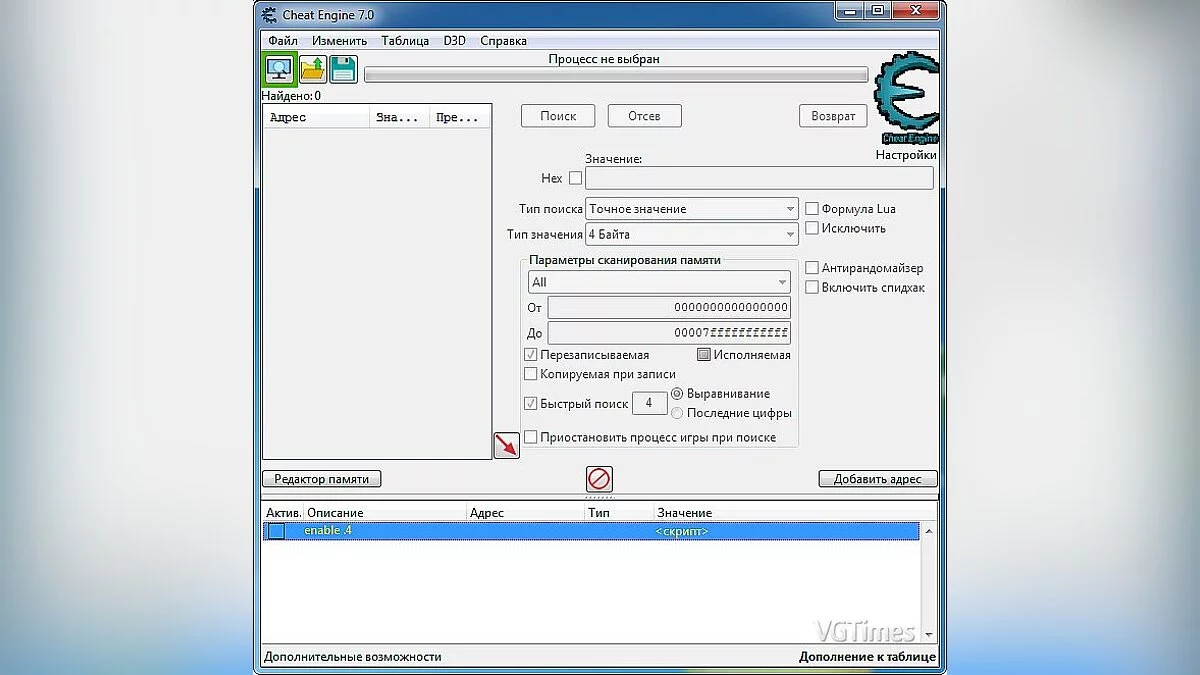
Tabela para Cheat Engine [ATUALIZAÇÃO: 20.03.2020]


-
1584706336_1584706336_re3demo.zipBaixar (6.96 kB)
Resident Evil 3 — Demonstração de Raccoon City.
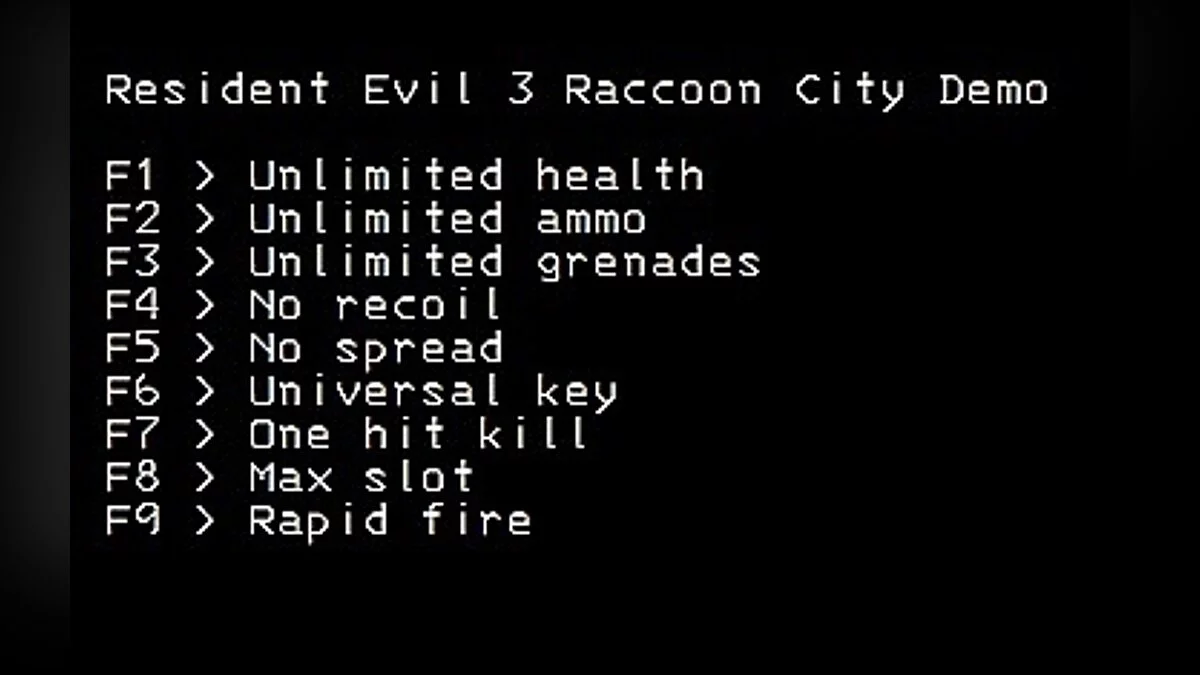
Funções:
Indestrutível // Imortalidade
- a saúde ainda diminui, mas você não morrerá.
- saúde mínima padrão permitida: 500
- não testado completamente. se você estiver se sentindo aventureiro, defina para 1 e veja se consegue sobreviver à demonstração... e relate~
sem recarga // Sem Recarga
- DESATIVE a recarga automática no menu de opções do jogo primeiro!
- permite que você dispare a arma sem nenhum carregador.
- o carregador ainda diminui até chegar a zero.
ignorar bolsa de munição // Munições Infinita
- permite que você recarregue sua arma sem nenhuma bolsa de munição.
tecla de caminhada lenta // Passo Lento
- claro que foi a primeira coisa que fiz... permite que você ande devagar ao segurar a tecla especificada, padrão: CapsLock.
modo lento (speedhack) // Acelerar o Tempo
- apenas usando o speedhack do CE para manipular a velocidade do jogo segurando as teclas especificadas.
- por padrão do script, quando ativado, segurar o Botão do Mouse X1 e o Botão Direito do Mouse (ou seja, segurar o Botão do Mouse X1 ao mirar) ativaria o modo lento usando o speedhack do CE.
- você pode alterar as combinações de teclas e a velocidade após ativar o script.
chave universal de item // Chave Universal
- na verdade, não testei isso. apenas encontrei que o aobscan ainda funciona para o jogo e apenas o portei do RE2... então, me avise~
- abaixo é apenas copiar e colar do meu post da tabela de cheats do RE2...
- permite que você interaja com objetos do mundo com qualquer item do seu inventário.
- por exemplo, abrir portas de chave de pá com suas balas de pistola.
- pressione e segure a tecla CapsLock (ou a tecla que você especificou) ao clicar no item no inventário E ao clicar na opção USAR.
- não deve ser usado em objetos do mundo que permitem múltiplos itens (por exemplo, sala escura, quebra-cabeça de múltiplos itens, etc).
Processo de execução:
1. Inicie o Cheat Engine, clique em "Carregar" e selecione a tabela
2. "Selecione um processo para abrir", escolha o processo desejado.
3. Selecione a opção desejada e marque.
Resident Evil 3 — Raccoon City Demo.
Функции:
Undead // Бессмертие
- health still drop but you won't die.
- default min health allowed: 500
- not throughtly tested. if you're feeling adventurous, set it to 1 and see if you can survive the demo... and report~
no reload // Без Перезарядки
- DISABLE auto-reload in the game option menu first!
- allows you to fire the gun without any ammo clip.
- ammo clip still decrease until it reaches zero.
ignore ammo pouch // Беск. Патроны
- allows you to reload your gun without any ammo pouch.
slow walk key // Медленный Шаг
- of course it's the first thing I made... allows you to walk slow when holding the specified key, default: CapsLock.
slow motion (speedhack) // Замедлить Время
- just using CE's speedhack to manipulate the game speed by hold the specified keys.
- by script default, when activated, hold Mouse X1 Button and Mouse Right Button (i.e. hold Mouse X1 Button when aiming) would enter slow-motion by using CE's speedhack.
- you can change the key combinations and the speed after you activated the script.
universal item key // Универсальный Ключ
- I haven't actually test this one. just found the aobscan still work for the game and just port it from RE2... so, let me know~
- below is just copy and paste from my RE2 cheat table post...
- allows you to interact with world objects with any item from your inventory.
- for example, open spade key doors with your handgun ammo.
- press and hold CapsLock key (or the key you specified) when clicking on the item in the inv AND when clicking on the USE option.
- should not be used on world objects that allows multiple items (e.g., dark room, multi-items puzzle, etc).
Процесс запуска:
1. Запустить Cheat Engine, "Load" и выбрать таблицу
2. "Select a process to open", выбрать нужный процесс.
3. Выбрать нужную опцию, поставить крест.
Arquivos relacionados:
Links úteis: