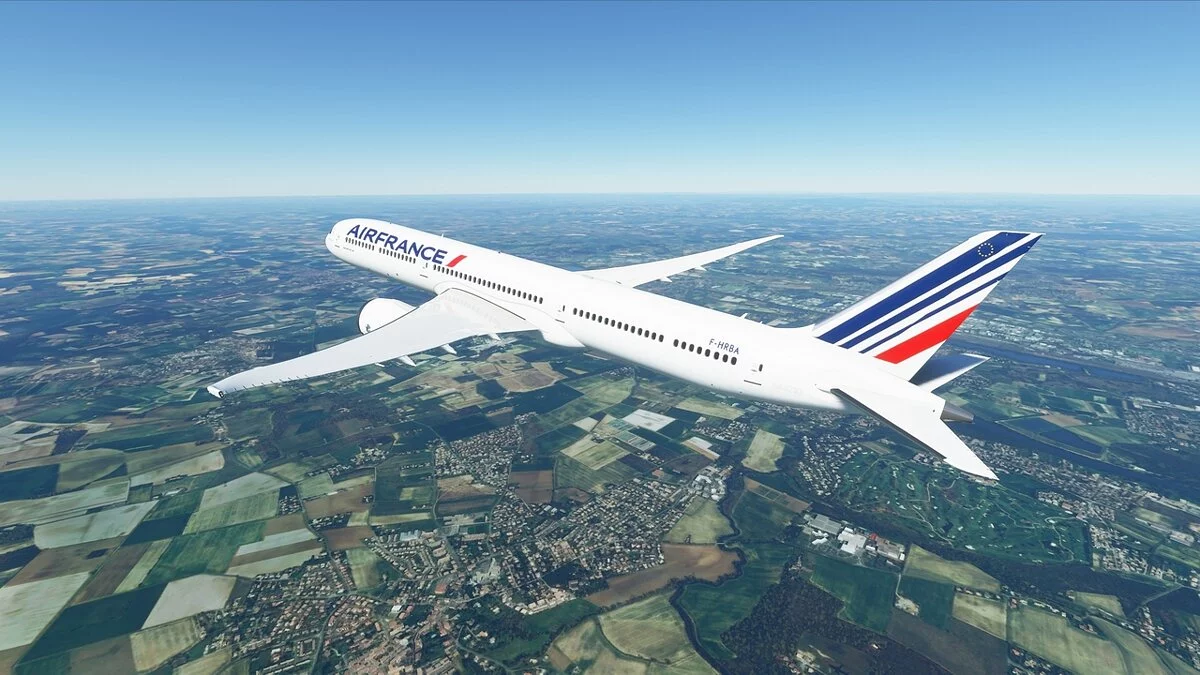
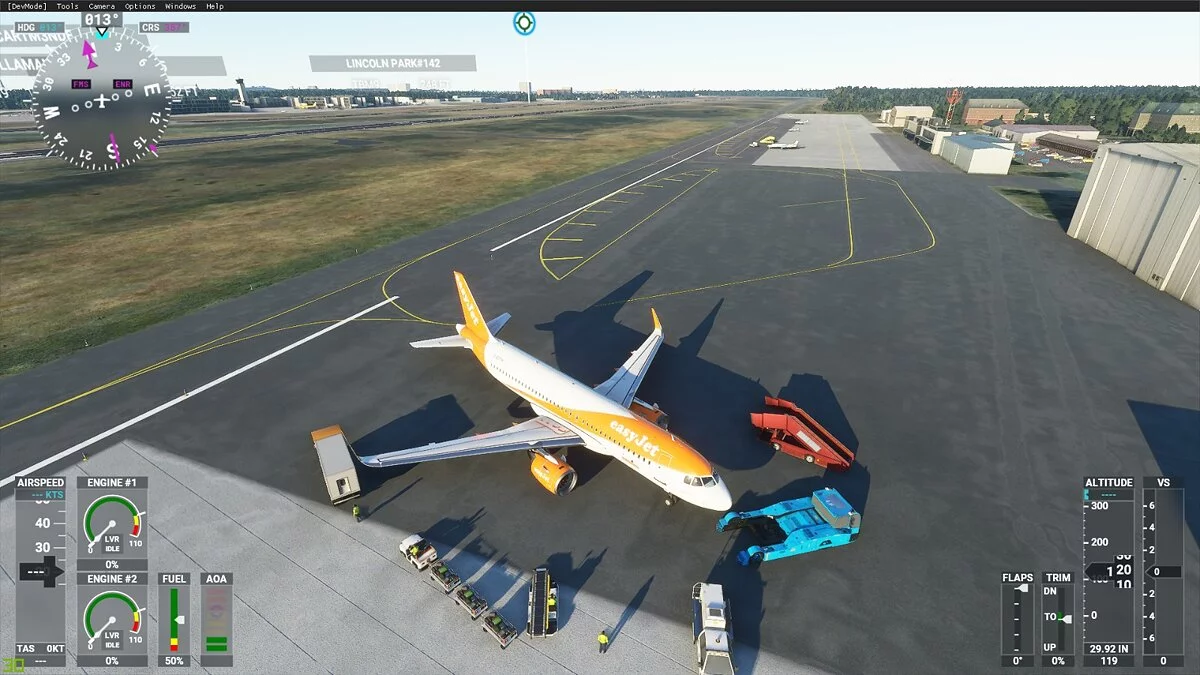
![Microsoft Flight Simulator — Tabela para Cheat Engine [ATUALIZAÇÃO: 22.11.2022] / Tabelas / Trapaças](https://files.vgtimes.com/si/gameprev_61270_768_1686557083.webp "Microsoft Flight Simulator — Tabela para Cheat Engine [ATUALIZAÇÃO: 22.11.2022] / Tabelas / Trapaças")
Microsoft Flight Simulator — a continuação da série de simuladores de pilotagem de avião old school. A nova parte do jogo inclui aeronaves que vão de pequenos... Saiba mais
Tabela para Cheat Engine [ATUALIZAÇÃO: 22.11.2022]
![Microsoft Flight Simulator — Tabela para Cheat Engine [ATUALIZAÇÃO: 22.11.2022]](https://files.vgtimes.com/download/posts/2022-11/thumbs/1669193868_qh3f5k0d.webp)

-
1669193824_flightsimulator_1.rarBaixar (5.48 kB)
Script para controlar o tempo do dia
Script para remover aquele ponto branco irritante no centro da tela
Script para câmeras externas estáveis (sem oscilações)
Luzes internas "quentes" (ajustáveis) para TBM930
Scripts para ajustar Exposição/Saturação/Contraste e configurações gerais de RGB da tela
Processo de inicialização:
Inicie o Cheat Engine, "Carregar" e selecione a tabela
"Selecione um processo para abrir", escolha o processo desejado.
Escolha a opção desejada e marque.
Script to control time of the Day — Редактировать время дня
Script to get rid off this annoying white dot in the center of the Screen — Убрать белую точку по центру экрана
Script for stable exterior cameras (no swings) — Без покачивания камеры
"Warm" (adjustable) interior lights for TBM930 — "Теплое" (регулируемое) внутреннее освещение для TBM930
Scripts to adjust Exposure/Saturation/Contrast and overall screen RGB Settings — Сценарии для настройки экспозиции/насыщенности/контрастности и общих настроек RGB экрана
Процесс запуска:
Запустить Cheat Engine, "Load" и выбрать таблицу
"Select a process to open", выбрать нужный процесс.
Выбрать нужную опцию, поставить крест.
Arquivos relacionados:
Links úteis: