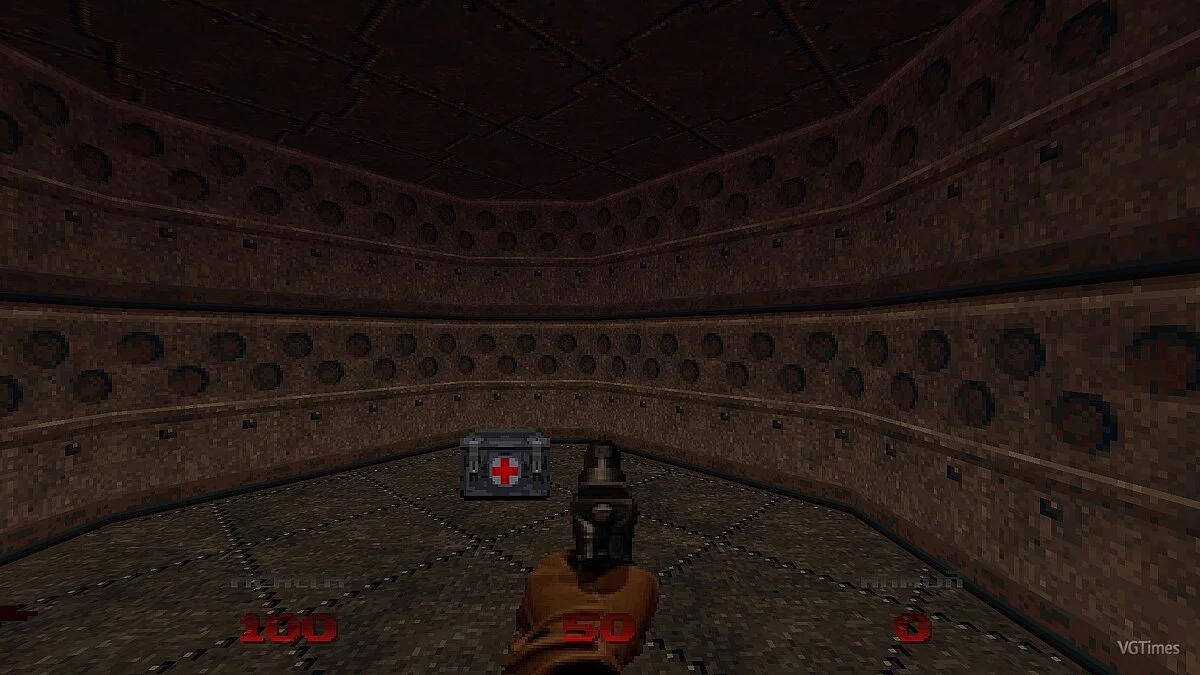
![DOOM 64 — Tabela para Cheat Engine [ATUALIZAÇÃO: 23.03.2020] / Tabelas / Trapaças](https://files.vgtimes.com/si/gameprev_13819_768_1692901147.webp "DOOM 64 — Tabela para Cheat Engine [ATUALIZAÇÃO: 23.03.2020] / Tabelas / Trapaças")
DOOM 64 is a re-release of the 22-year-old cult classic, free when you pre-order Doom Eternal. The ported version, which is being handled by Nightdive Studios, has... Saiba mais
Tabela para Cheat Engine [ATUALIZAÇÃO: 23.03.2020]
![DOOM 64 — Tabela para Cheat Engine [ATUALIZAÇÃO: 23.03.2020]](https://files.vgtimes.com/download/posts/2020-03/thumbs/1585069541_1585069464_91.webp)

-
1585052839_1585052839_doom64_x64.zipBaixar (5.46 kB)
Funções:
-Vida Infinita // Imortalidade
-Munição Infinita // Munição Infinita
-Dar Armas // Conceder Armas
-Dar Chaves // Conceder Chaves
-Estatísticas de Nível (Tempo, Mortes, Itens Coletados, Segredos Encontrados) // Editar Estatísticas de Nível
-Modificadores de Visor (Visor de Amplificação de Luz, sem tela vermelha/amarela/verde ao ser atingido) // Editar Modificadores de Visor
-Seleção de Fase/Mapa (Iniciar/Carregar um Jogo/Selecionar Mapa/ESC e Reiniciar Nível) // Seleção de Nível
-revelar mapa completo // Revelar Mapa Completo
Processo de inicialização:
1. Inicie o Cheat Engine, clique em "Carregar" e selecione a tabela
2. "Selecione um processo para abrir", escolha o processo desejado.
3. Selecione a opção desejada e marque.
Функции:
-Inf Health // Бессмертие
-Inf Ammo // Беск. Патроны
-Give Weapons // Дать Оружие
-Give Keys // Дать Ключи
-Level Statistics (Time,Kills,Items Collected, Secrets found) // Ред. Статистику Уровня
-Visor Mods (Light Amplification Visor, no red/yellow/green screen when hit) // Ред. Виз. Модификаторы
-Stage/Map Select (Start/Load a Game/Select Map/ESC & Restart Level) // Выбор Уровня
-unveil full Map // Открыть Всю Карту
Процесс запуска:
1. Запустить Cheat Engine, "Load" и выбрать таблицу
2. "Select a process to open", выбрать нужный процесс.
3. Выбрать нужную опцию, поставить крест.
Arquivos relacionados:
Links úteis:
![DOOM 64 — Treinador (+18) de 26.08.2022 [WeMod]](https://files.vgtimes.com/download/posts/2022-08/thumbs/1661518971_2022-08-26_160213.webp)
![DOOM 64 — Таблица для Cheat Engine [UPD: 31.03.2020]](https://files.vgtimes.com/download/posts/2020-04/thumbs/1585744553_xpggjgdouym5n3oesrbuaw.webp)
![DOOM 64 — Таблица для Cheat Engine [UPD: 23.03.2020]](https://files.vgtimes.com/download/posts/2020-03/thumbs/1585330929_1585330838_274.webp)
![DOOM 64 — Трейнер (+3) [1.0]](https://files.vgtimes.com/download/posts/2020-03/thumbs/1584793377_ngai8wykyxjdijnqcbyrqw.webp)